Lifestyle: Taming the Vibe Coding Addiction – A Practical Guide
Explore how to set healthy boundaries with AI‑assisted coding, manage the hype of Vibe coding, and stay productive without burnout.
The All‑uring Pull of Vibe Coding
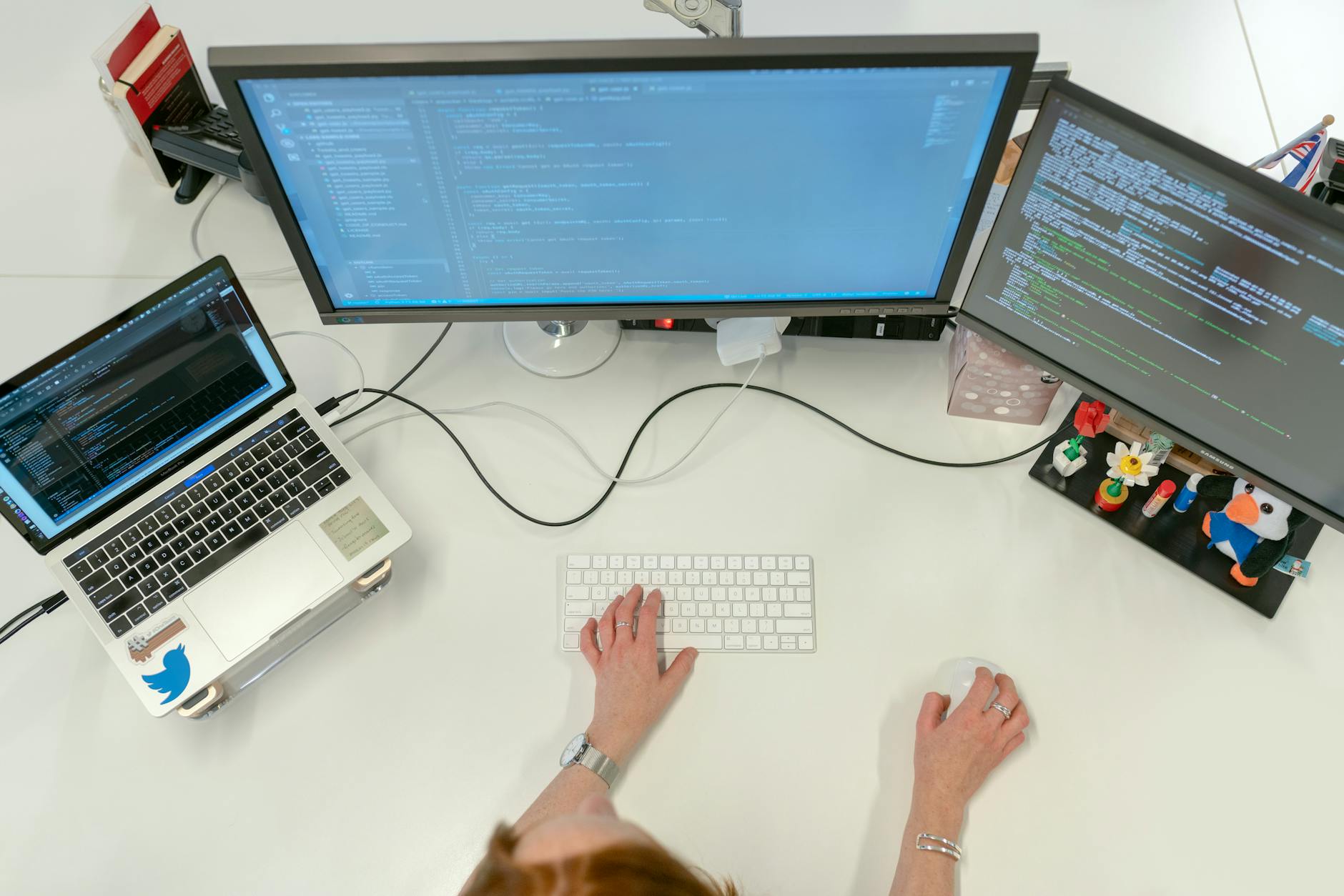 Focused Developer
Vibe coding—the practice of letting AI generate, iterate, and even vibe with your code—has become a double‑edged sword for many developers. As one Reddit user puts it, “I know I need to set boundaries, but the addiction to the speed and potential of AI‑assisted coding is real” (Reddit post).
What Exactly Is Vibe Coding?
Vibe coding is essentially AI‑driven co‑development where the model writes verbose, procedural code based on a natural‑language prompt, then keeps that code in the conversation context for future tweaks. The Naveegator article explains that “The AI generates verbose, procedural code for a given task – this code becomes part of the context when you ask for further changes or additions” (source).
Warning Signs: When Vibe Coding Becomes an Addiction
- Constantly checking the AI output – you feel the urge to refresh the chat every few minutes.
- Neglecting manual problem‑solving – you skip learning core concepts because the AI does it for you.
- Working longer hours – the speed of AI makes you think you can do more, but fatigue creeps in.
- Over‑reliance on generated code – you rarely write a line without the model’s suggestion.
"I vibe code, but never commit vibes." – Maicon Matsubara, LinkedIn post on co‑development guardrails (LinkedIn).
Step‑by‑Step Guide to Set Healthy Boundaries
1️⃣ Define a Fixed AI‑Interaction Window
- Set a timer for 30‑45 minutes per session.
- When the timer ends, switch to manual coding or review.
2️⃣ Create a “Human‑First” Checklist
Before you hit Enter on the AI prompt, ask yourself:
- Unordered List Item 1: Do I understand the underlying algorithm?
- Unordered List Item 2: Is this the simplest solution?
- Nested Unordered List Item: Can I write a test case first?
3️⃣ Use Guardrails in Your Development Process
| Guardrail | Why It Matters |
|---|---|
| Commit before you ask | Forces you to articulate the problem in code first. |
| Limit context length | Prevents the model from accumulating stale code that clouds new ideas. |
| Review generated code line‑by‑line | Keeps you engaged and catches hidden bugs. |
4️⃣ Log Your AI Interactions
1# Example log entry
22026‑03‑15 09:30 – Prompt: "Create a React hook for debouncing"
3Result: 45 lines of code
4Action: Kept only the core logic, refactored variable names.
5️⃣ Schedule “AI‑Free” Days
- Pick one day a week to code without any assistance.
- Use this time to deep‑dive into fundamentals (data structures, algorithms, design patterns).
Practical Tips & Tools
- Prompt Templates – Keep a small library of vetted prompts so you don’t reinvent the wheel each session.
- Version Control Hooks – Add a pre‑commit hook that warns if a file’s last change came from AI.
- Mindfulness Apps – Use a Pomodoro timer with a gentle reminder: “Ask yourself, am I coding or vibing?”
Sample Prompt with Boundaries
1`You are an assistant that only returns the minimal code required. Explain each line in plain English. Do not add extra features.`Personal Anecdote: My Own Vibe Coding Rollercoaster
When I first discovered Vibe coding, I was hooked. I could spin up a full‑stack prototype in under an hour. The excitement was intoxicating, but after a month of nonstop AI sessions, I hit a wall: mental fatigue and a growing sense of imposter syndrome. By applying the steps above—especially the AI‑free day—I reclaimed confidence in my own problem‑solving skills. Now I treat the AI as a partner rather than a crutch.
Final Thoughts
Vibe coding offers unprecedented speed, but like any powerful tool, it demands discipline. By setting clear boundaries, logging interactions, and preserving regular human‑only coding time, you can enjoy the benefits without falling into addiction.
Ready to tame your AI habit? Start with a 30‑minute timer tomorrow and notice the difference.